ORCID iD
An ORCID iD is a persistent identifier that stays with you across publishers and is shown with your RSYN publications. Connecting it to your author profile takes a few minutes.
Connect your ORCID iD
- Log in to your account at pubs.rsyn.org.
- Click the Public tab.
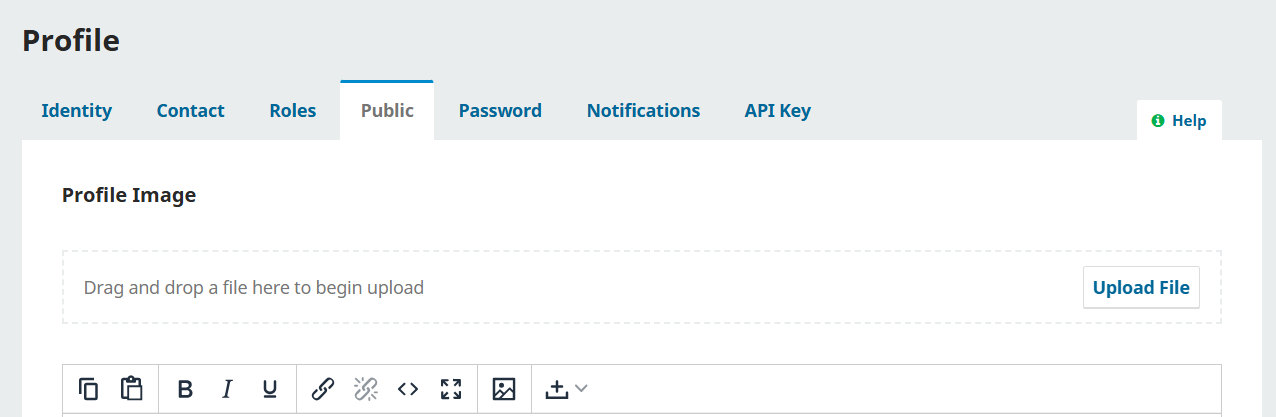
- Scroll to the bottom of the page and find Create or Connect your ORCID iD.

- Click it. A login page opens: sign in with your ORCID account.
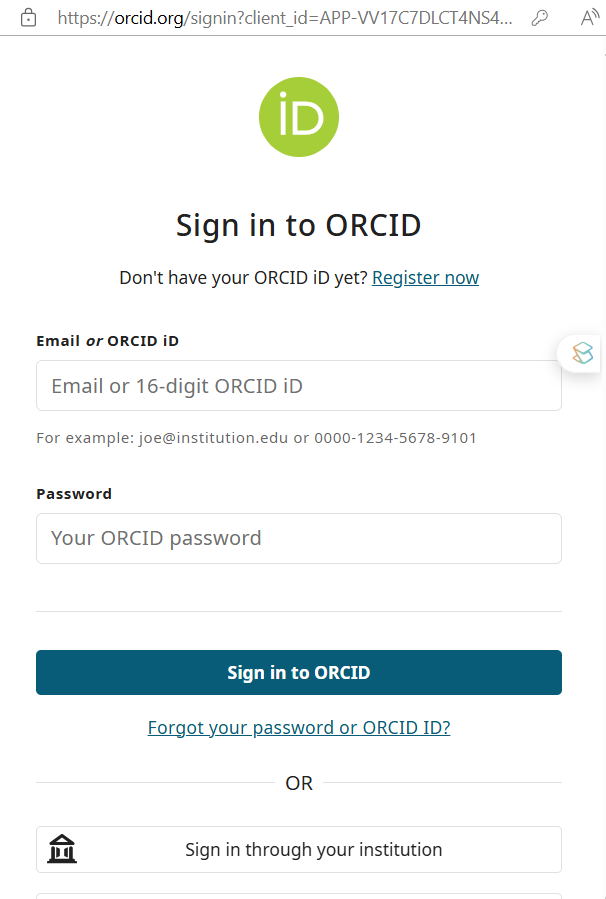
- If you are already signed in to ORCID, click Allow access.
- Once connected, your ORCID iD and a link to your ORCID profile appear on your profile.
- On the same screen you can add your picture, biography and other details.


Still need help?Write to publish@rsyn.org and we will get back to you.